

Create club
Create a club here on the web or in the Agilix app. Below: the form and a step-by-step guide with screenshots.
Create your club on the web
A photo, a name, a website and an address are enough. You set the rest later in the club panel.
Sign in to create a club How to create a club step by step
- 1
Download the app and create an account
Agilix runs on iOS and Android. Sign in with e-mail, Facebook or Apple, then confirm your e-mail address.


- 2
Open the "Kluby" tab
The "Kluby" tab sits in the bottom navigation. In the bottom right corner there is a round "+" button, visible once you are signed in.
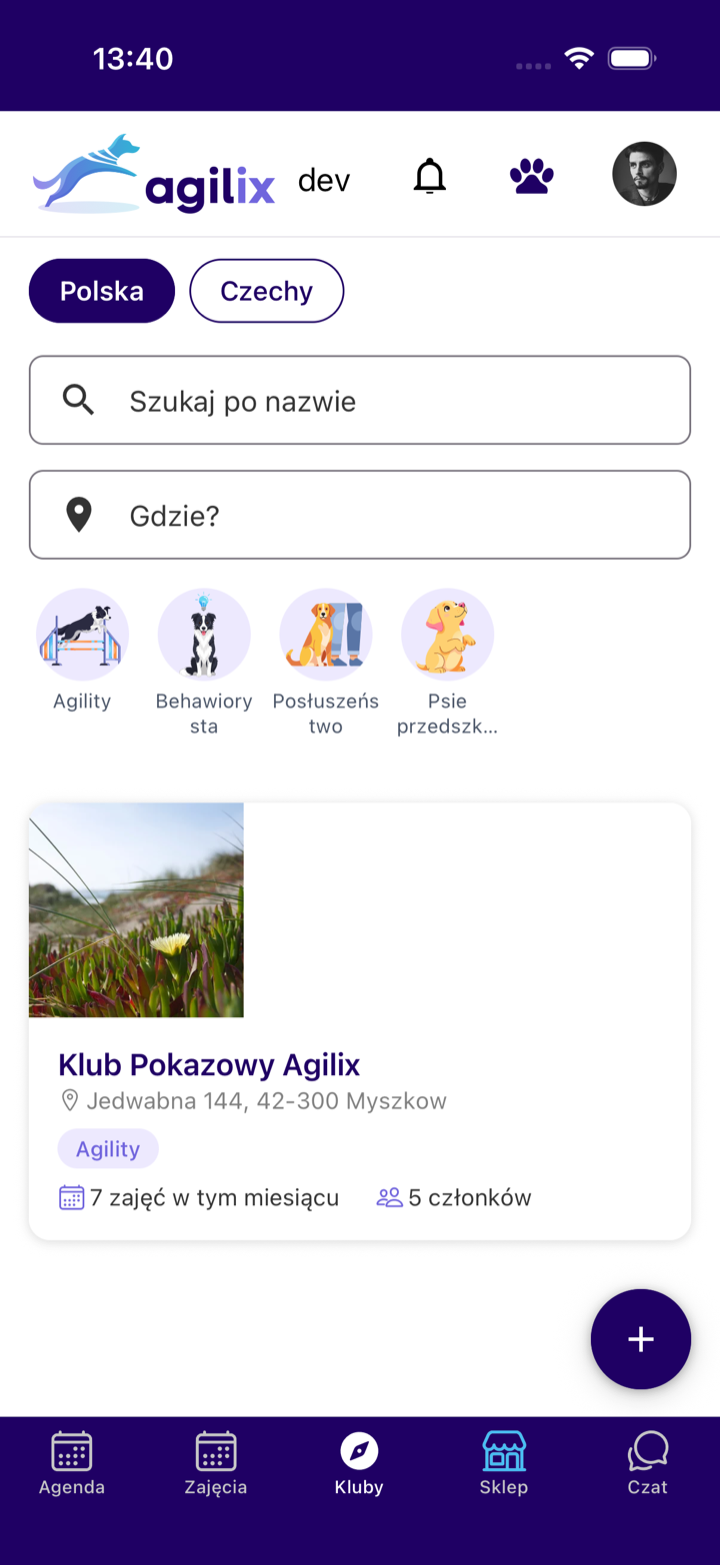
- 3
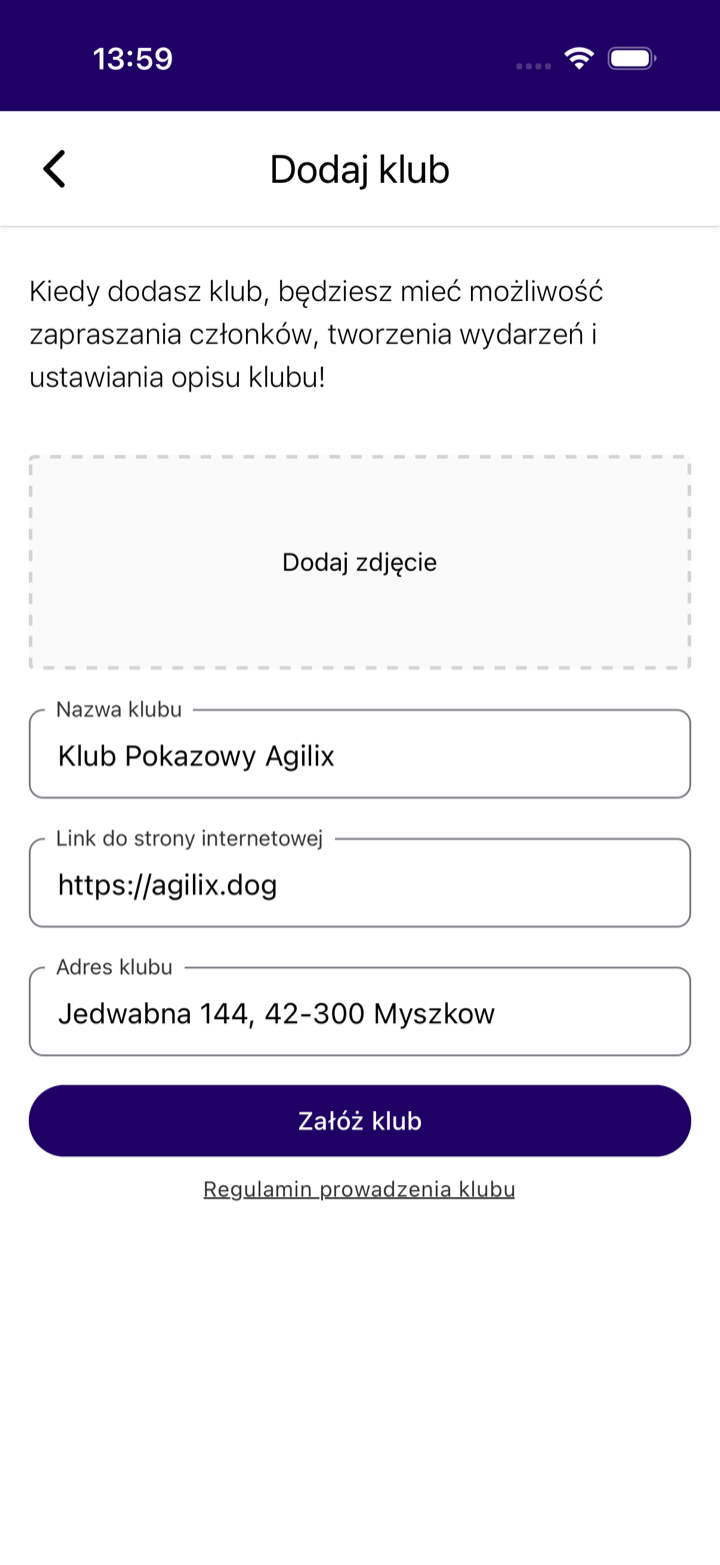
Fill in the "Dodaj klub" form
You need a club photo, a name, a website link and an address. The name must be unique across Agilix. Finally tap "Załóż klub".
- 4
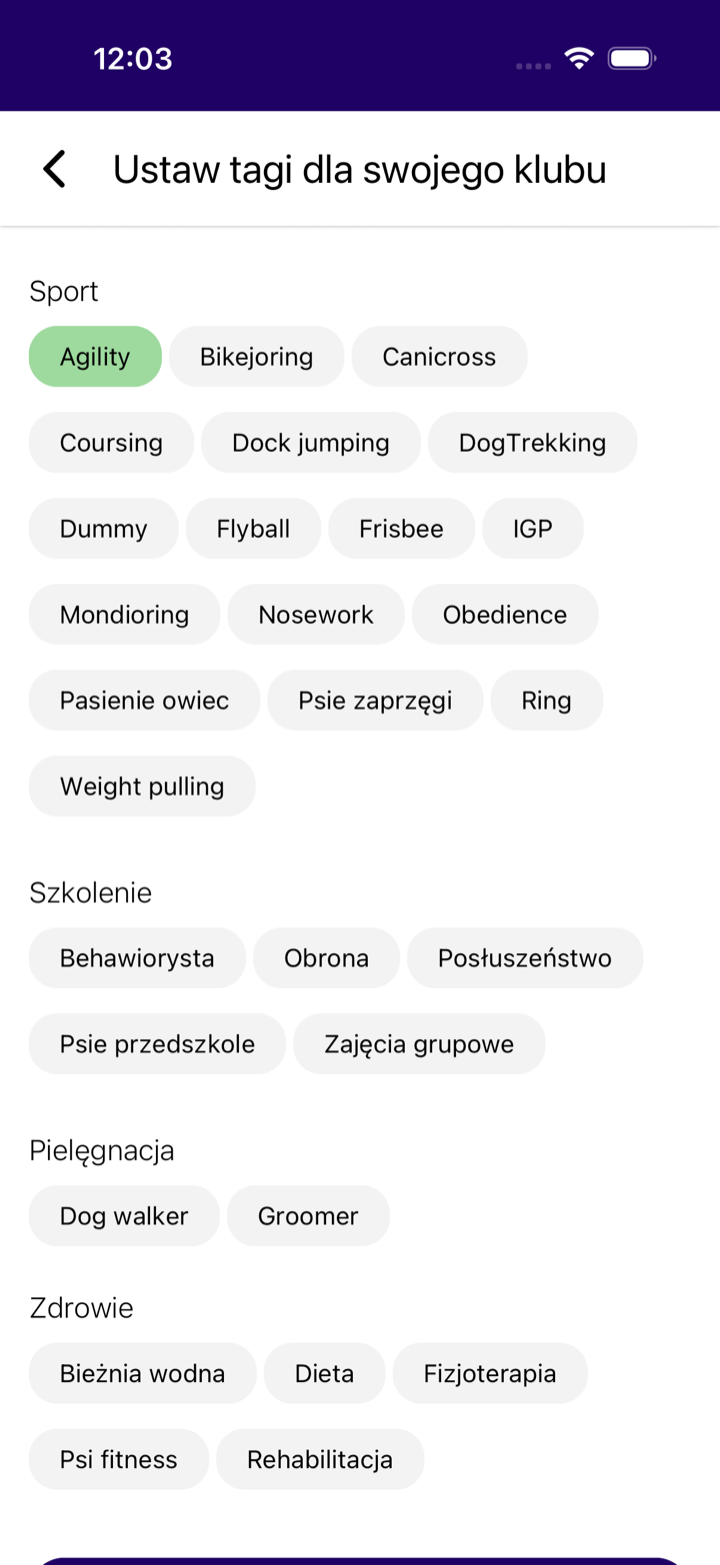
Set the club tags
Right after the club is created the app asks for tags. People filter the search by them, so mark every discipline and service you offer.
What next: the path to your first class
- 1
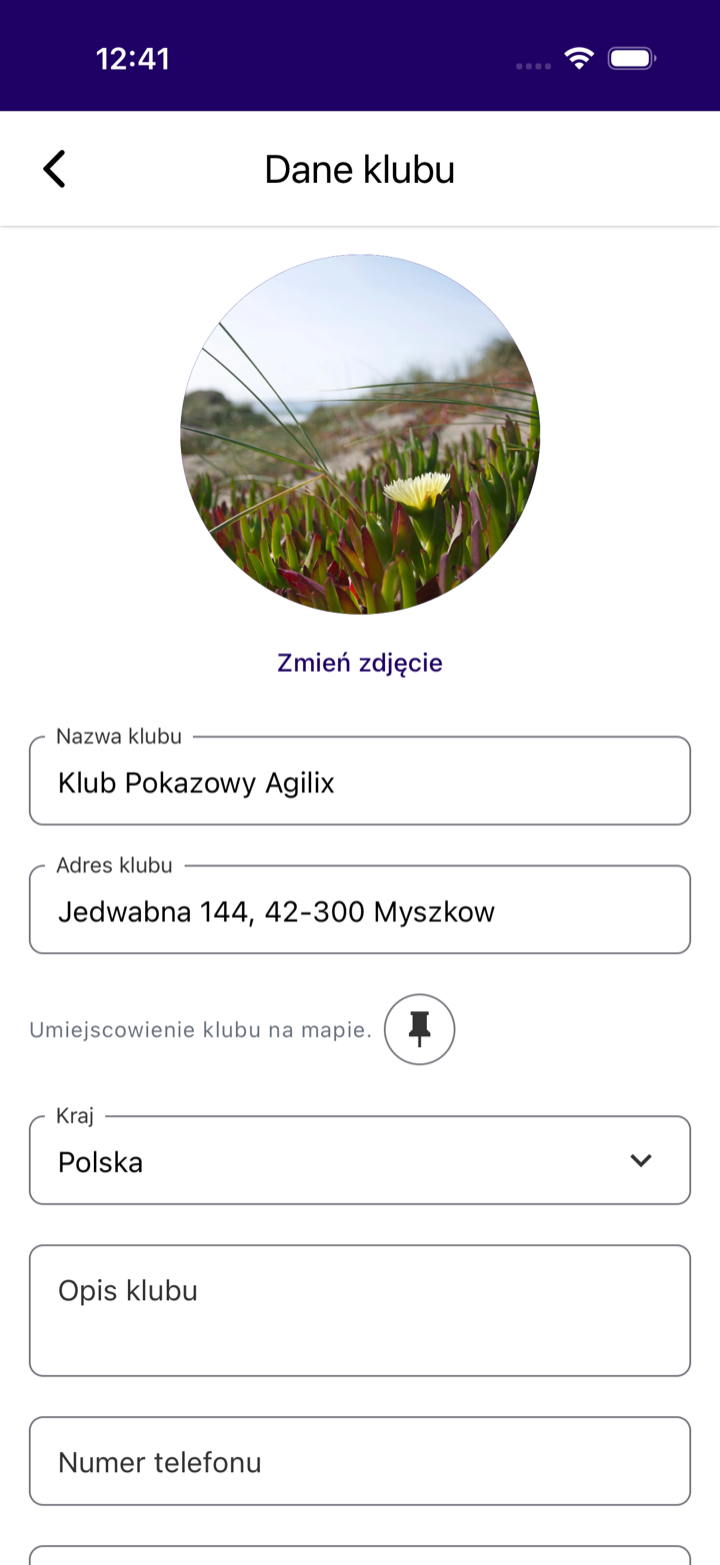
Move the map pin
A new club starts with its pin in central Warsaw. Open "Ustawienia klubu", then "Dane klubu", and point at your real place on the map. Otherwise the club shows up in the wrong city.
- 2
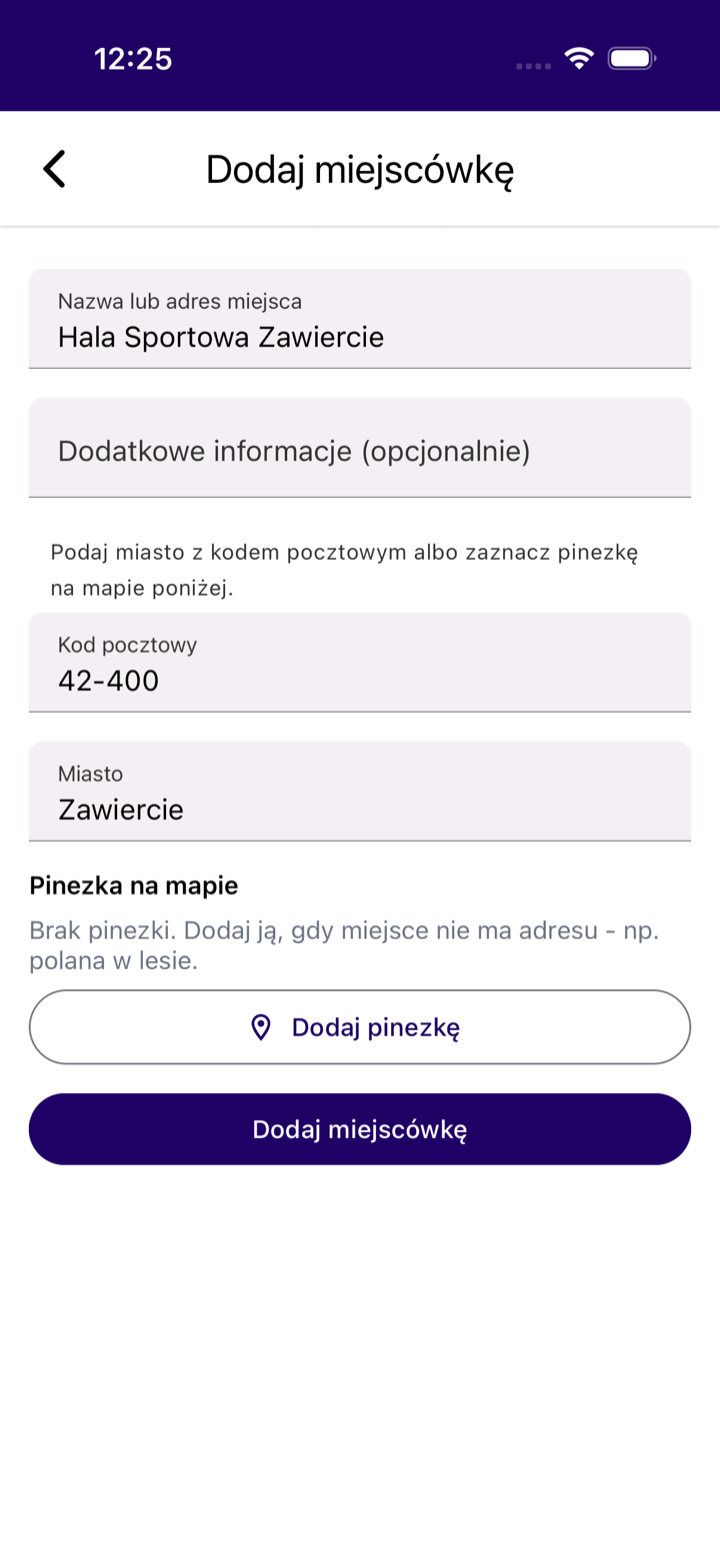
Add a venue
A venue is the hall, room or field where your classes happen. You add it in the club settings in a moment.
- 3
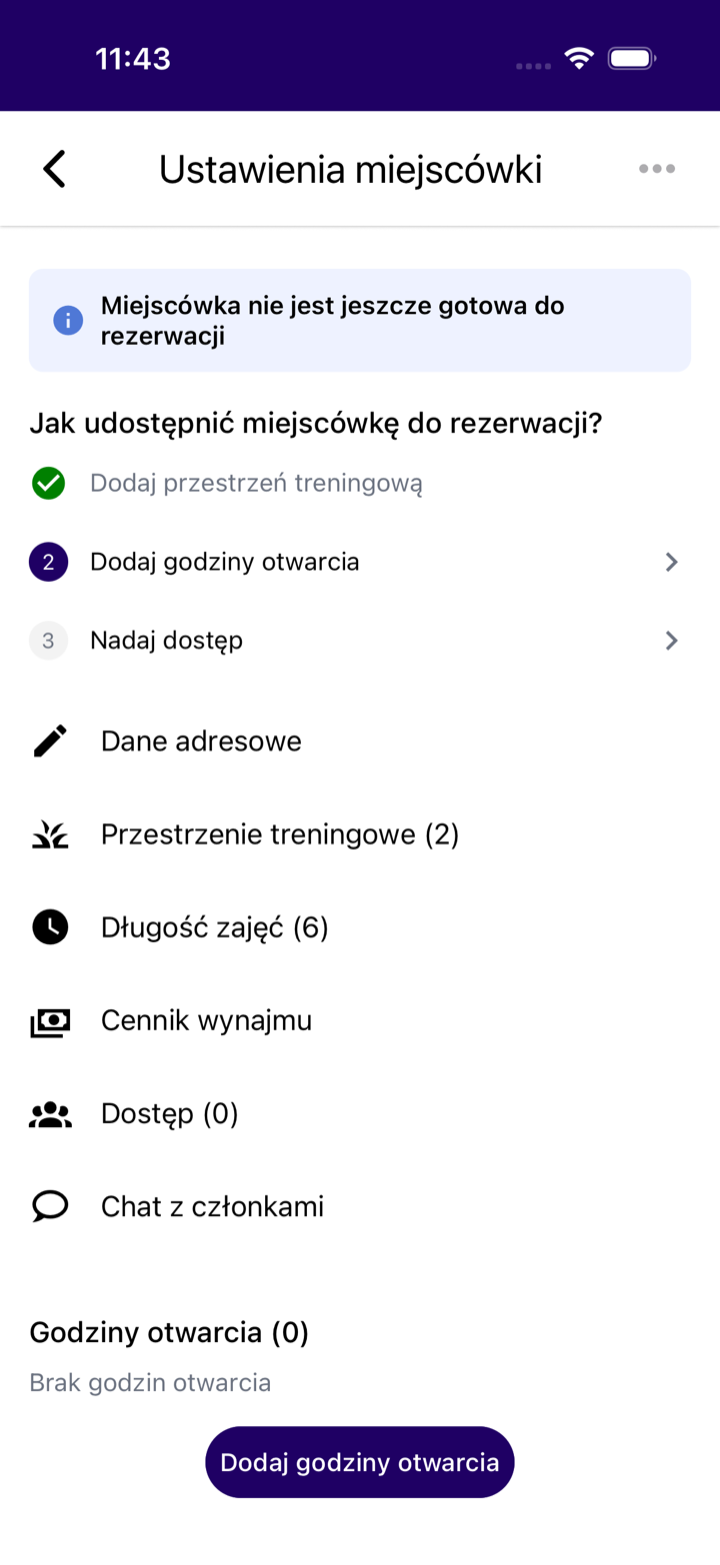
Set up training spaces
A space is the part of a venue that a class occupies. Two groups can train side by side without schedule conflicts.
- 4
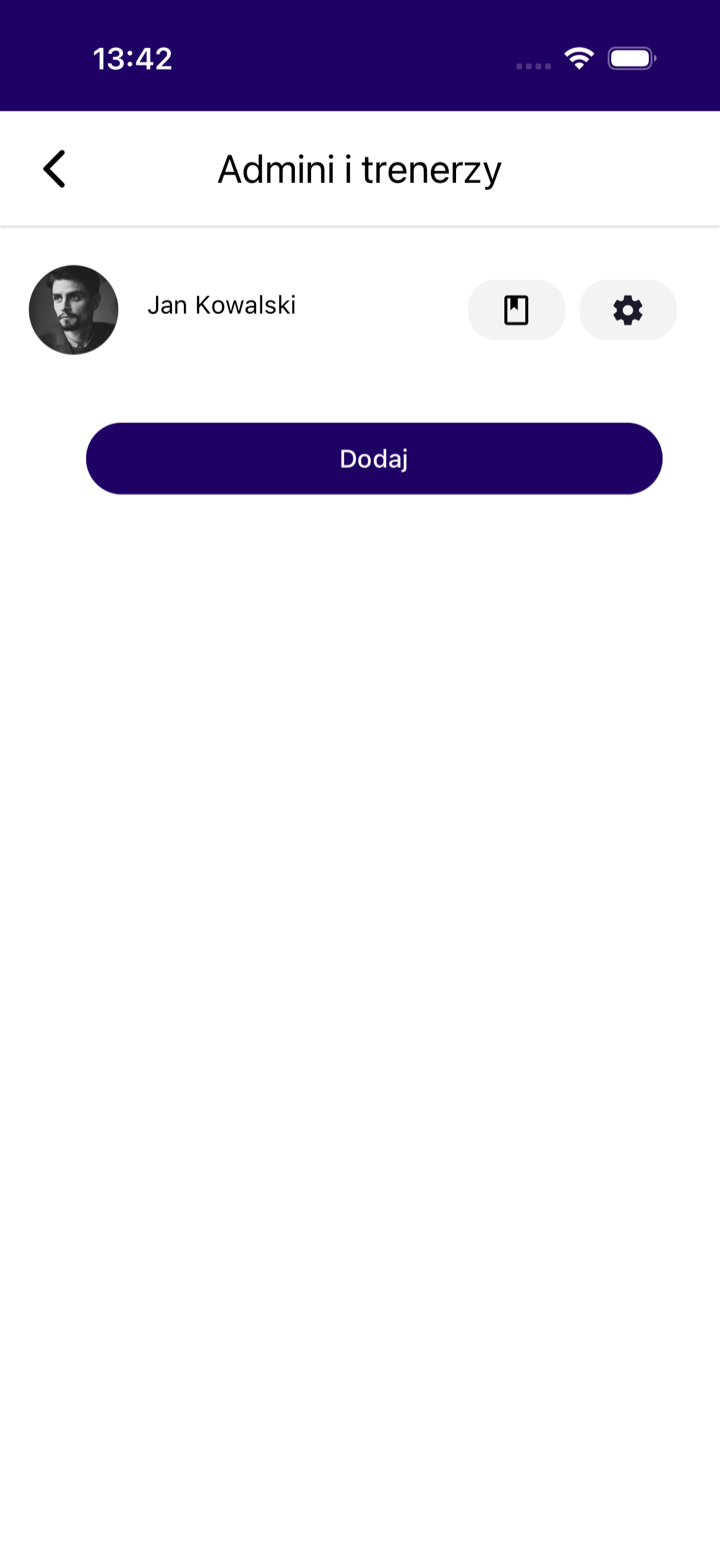
Invite trainers
In "Admins and trainers" you add the people who run classes and grant them permissions. Every trainer sees their own schedule in the app.
- 5
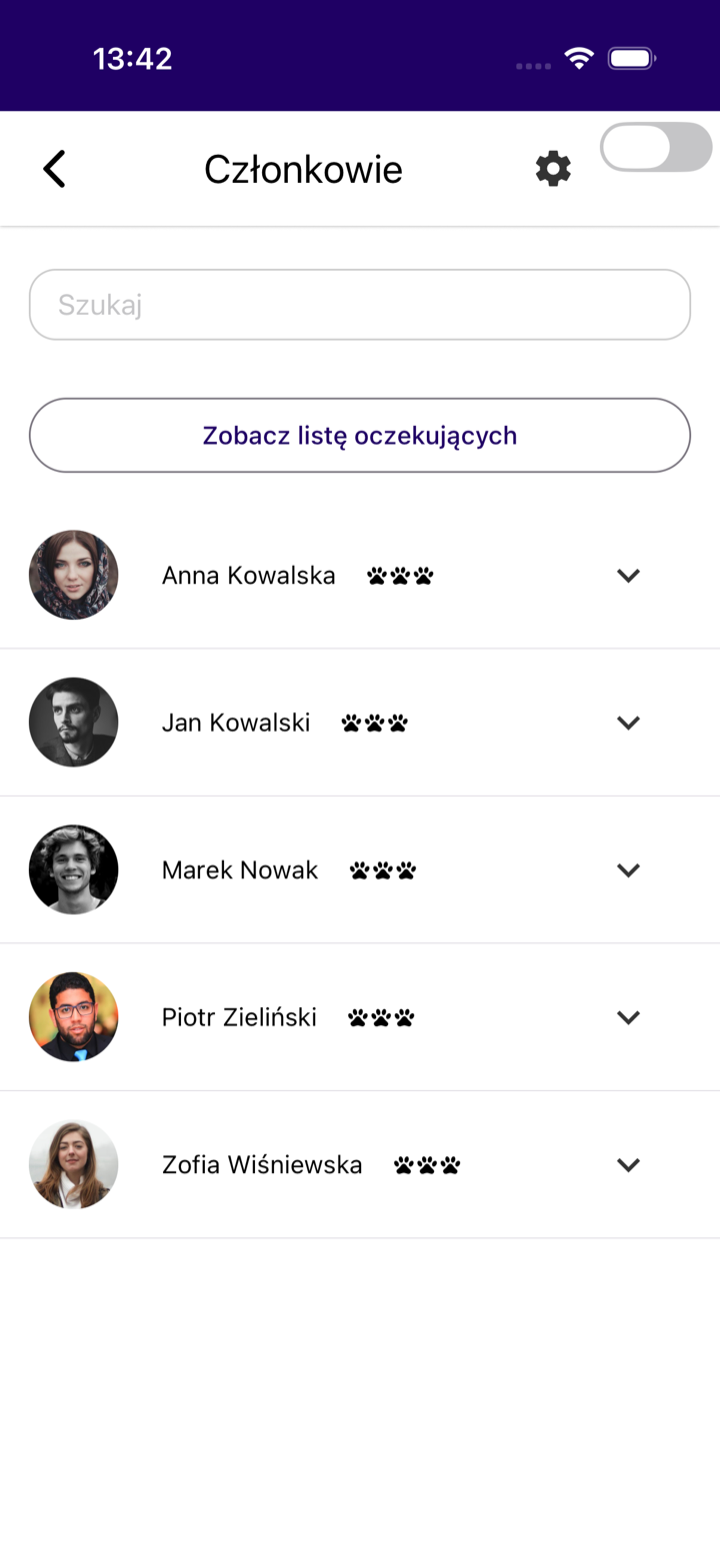
Manage members
On the member list you accept join requests and see who trains in the club. The waiting list sits in one place.
- 6
Publish your first class
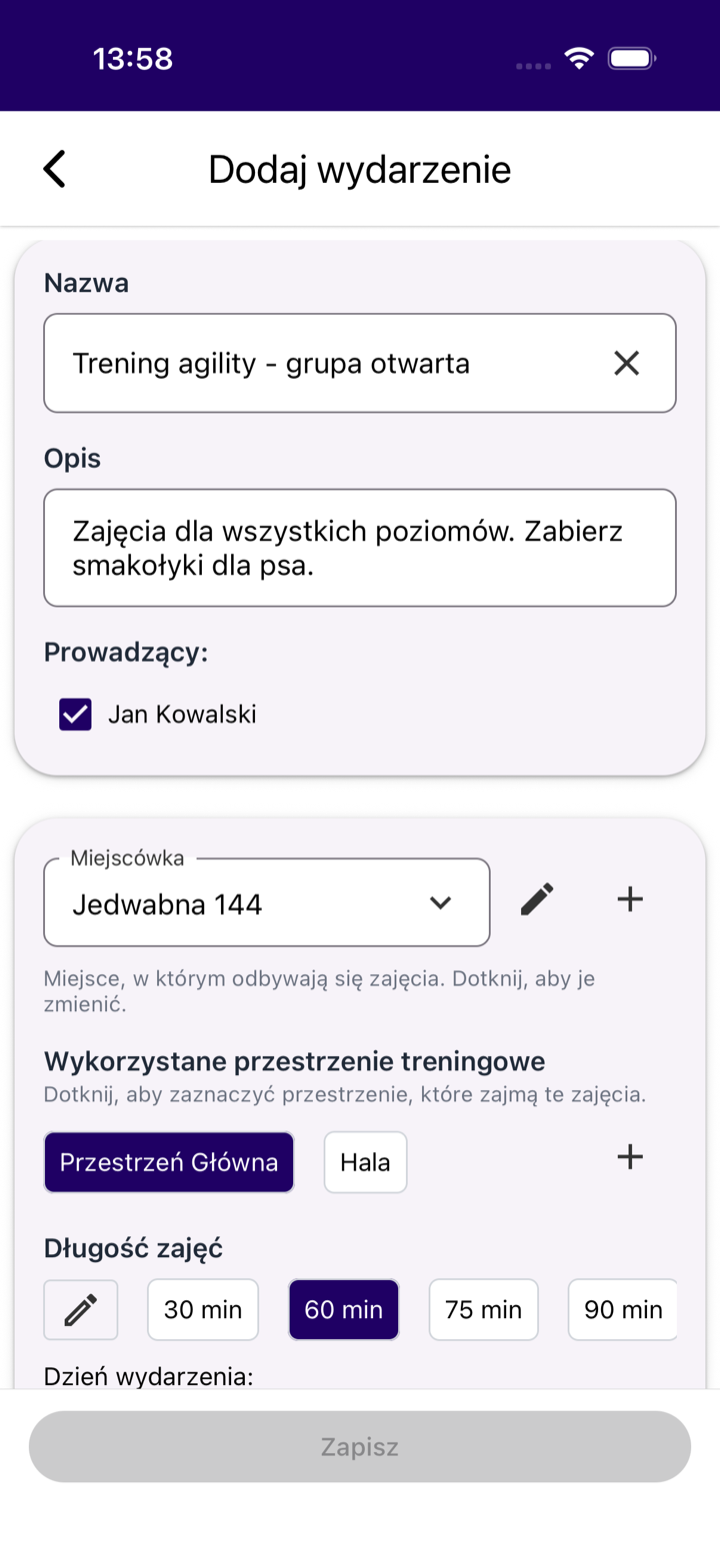
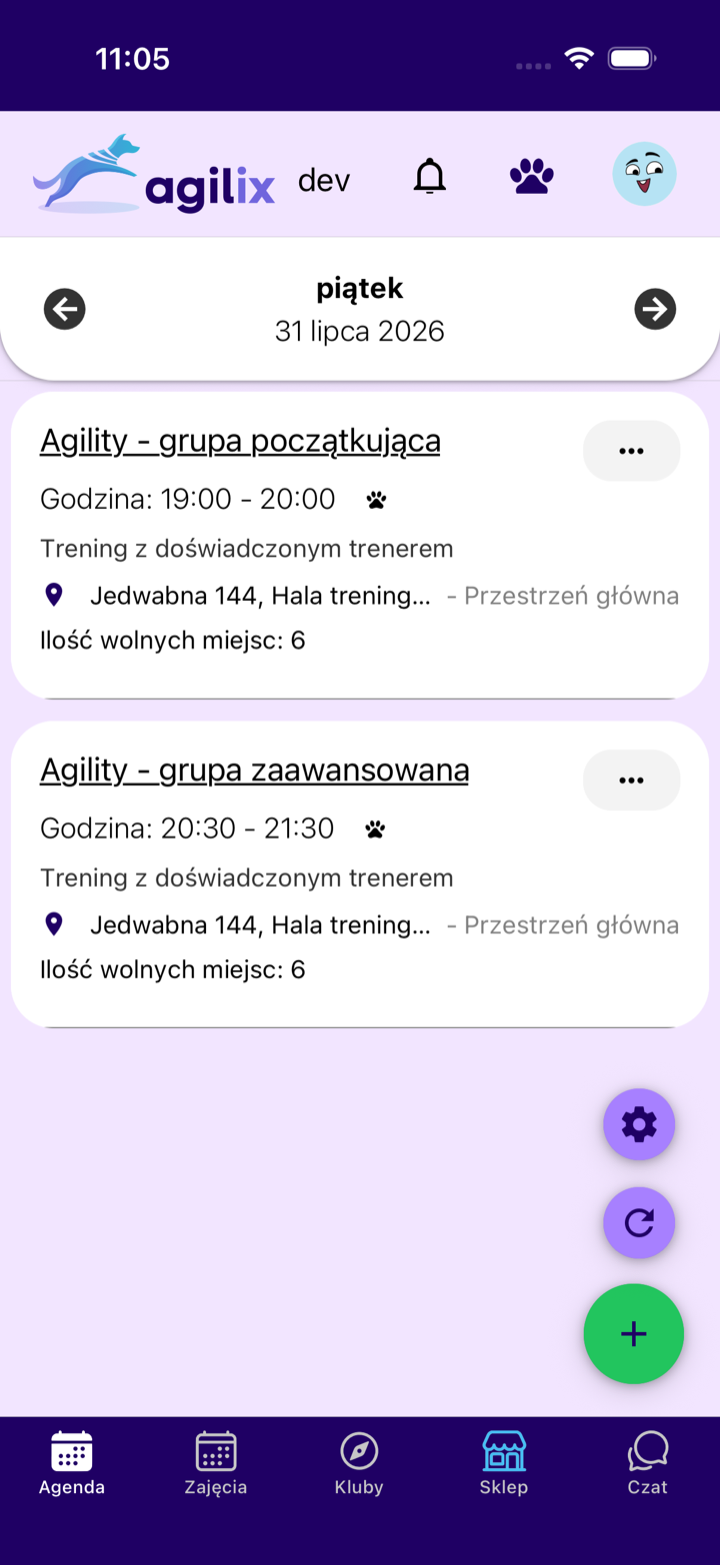
You add an event with the "+" button on the Agenda screen. Running classes requires the Trainer Pro subscription.
What a club in Agilix gives you
Schedule and sign-ups
You publish classes and people sign up themselves. You see the participant list and the free slots.
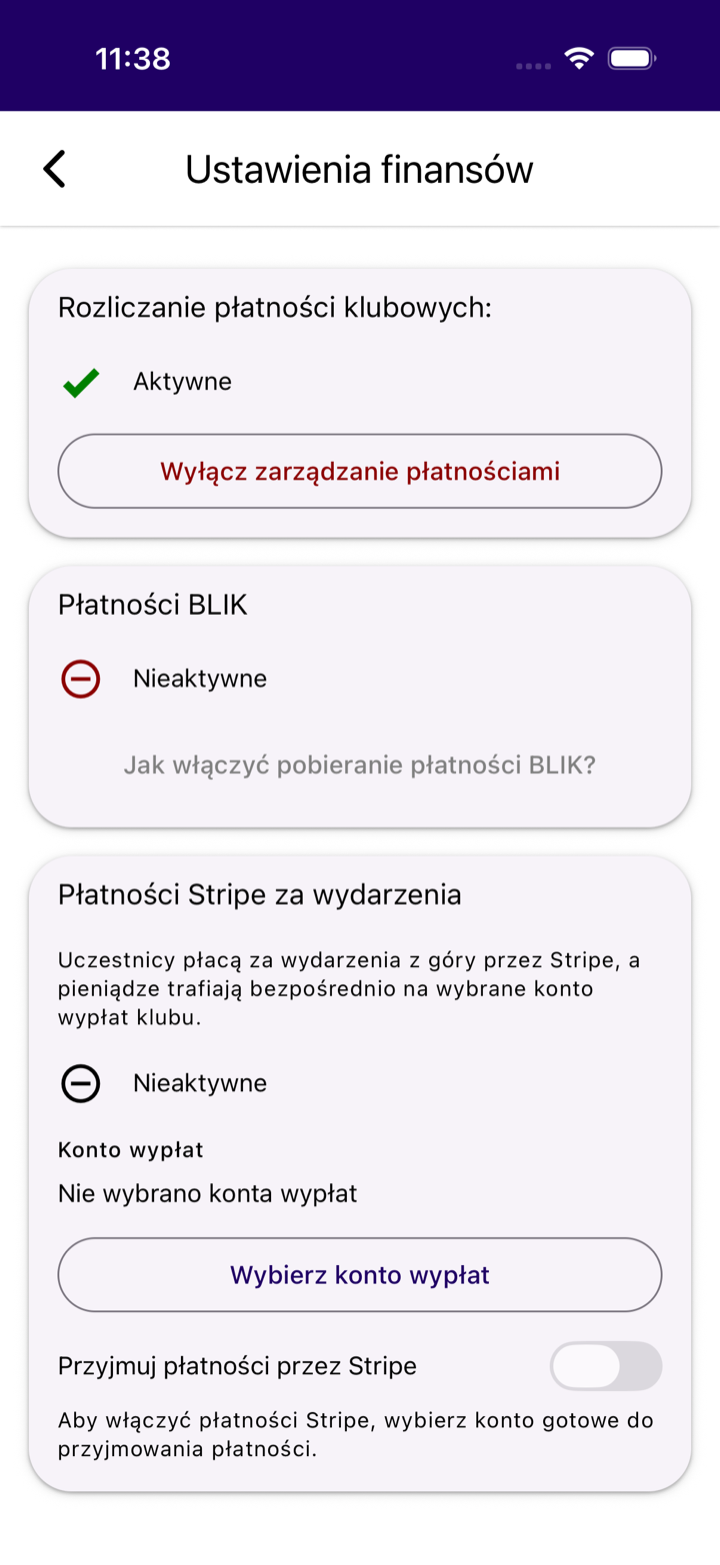
Online payments
You can collect class fees up front. The payment history stays in the app.
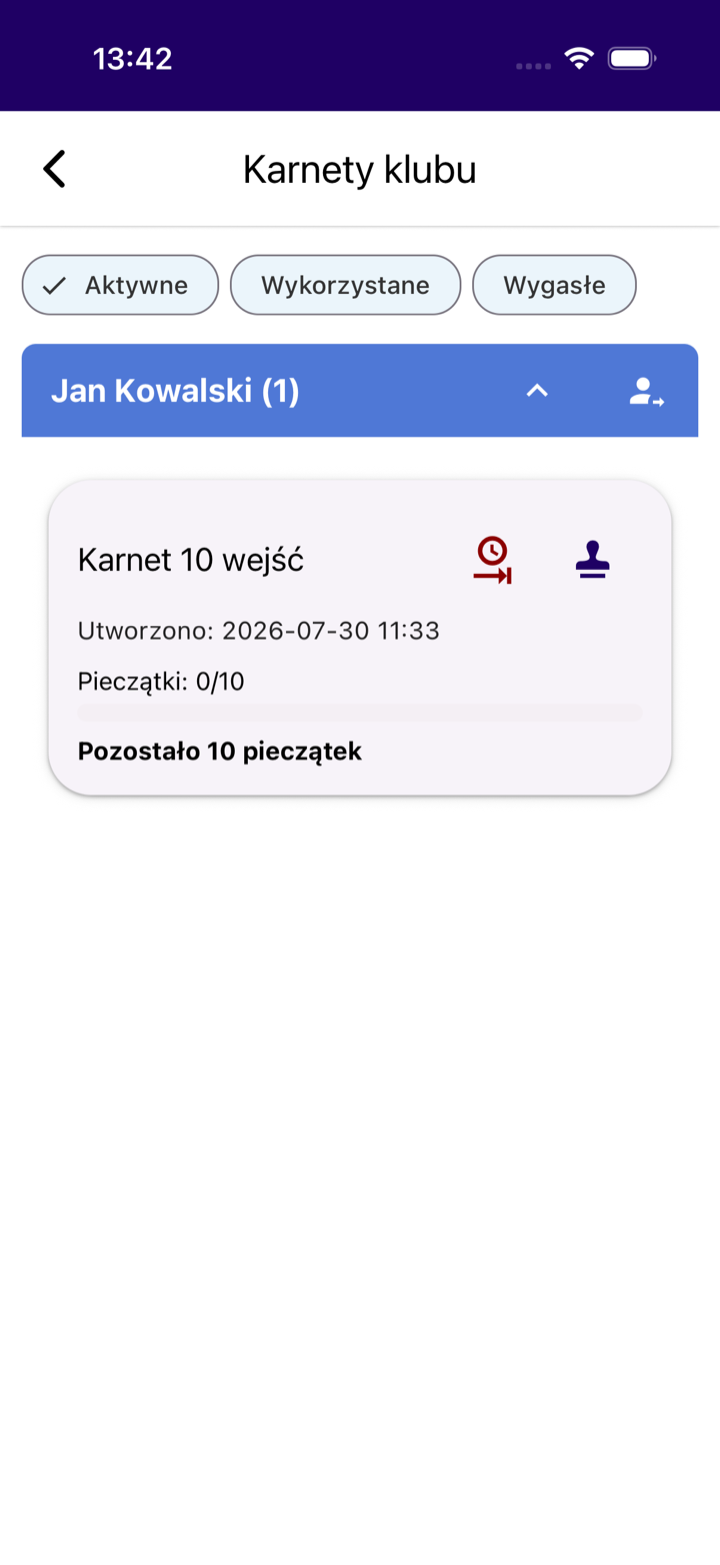
Passes and membership fees
You settle passes and dues without spreadsheets. The club sees what has been paid.
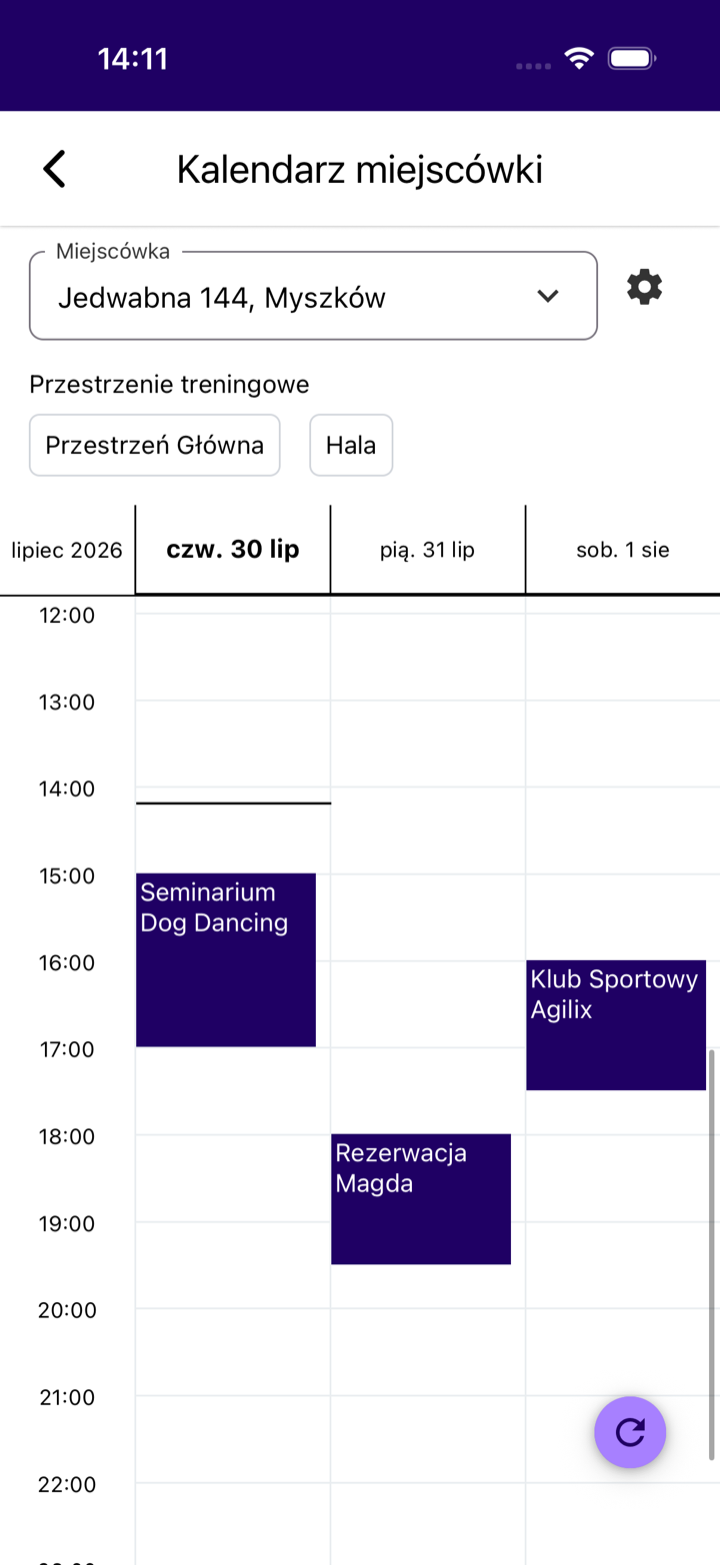
Locations and bookings
You split a venue into spaces and set opening hours. You can share them with other trainers.
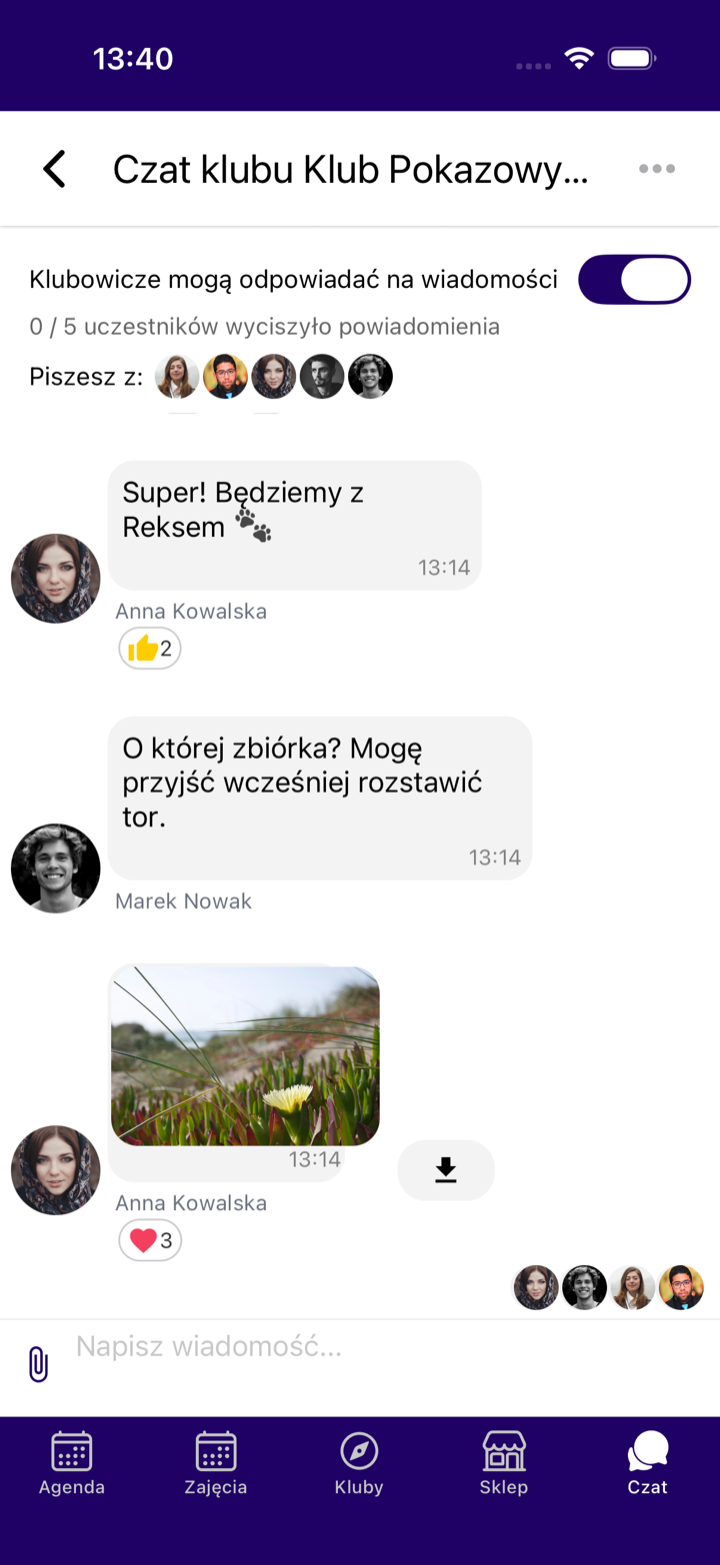
Club chat
You write to all members or to one person. Notifications reach their phones.
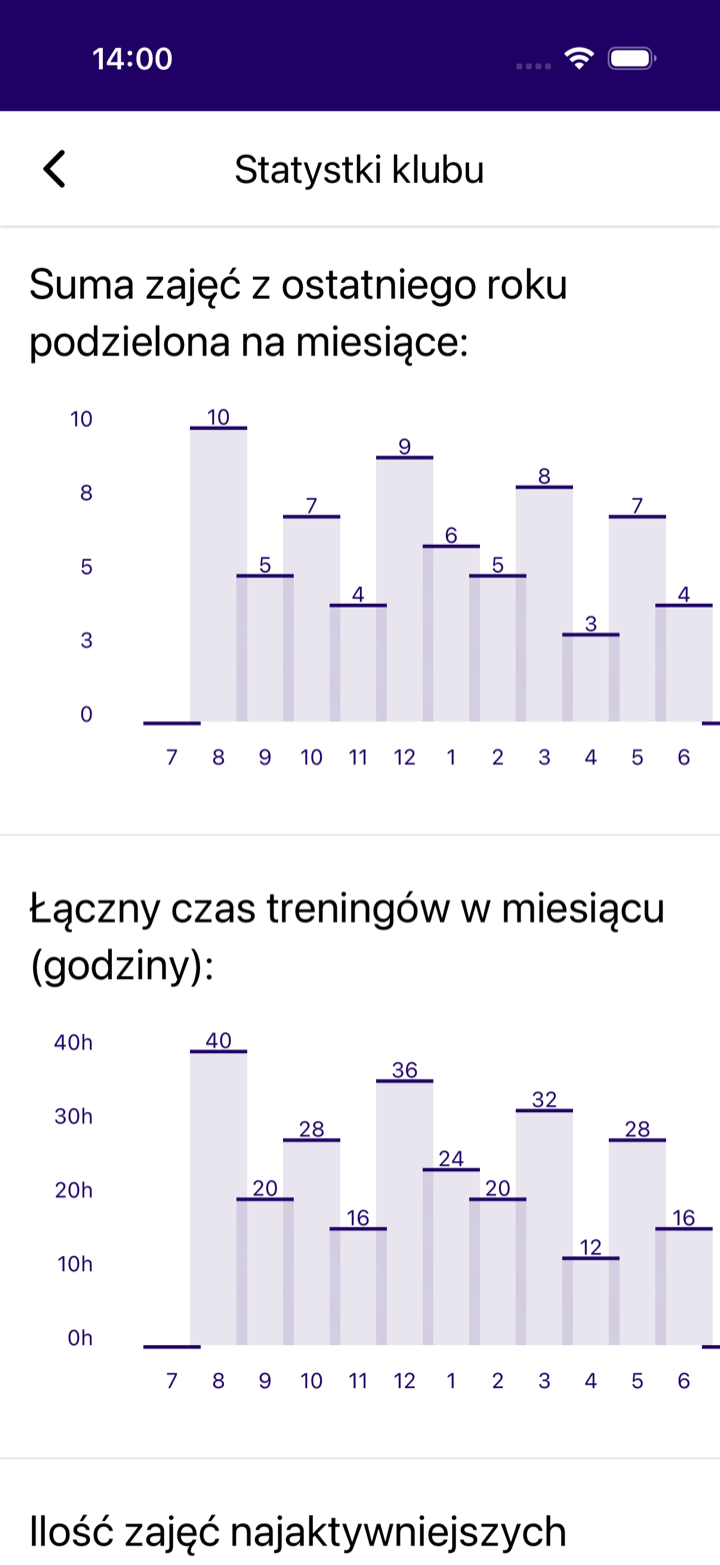
Club statistics
You check attendance and the number of classes per month. You also see per-trainer statistics.
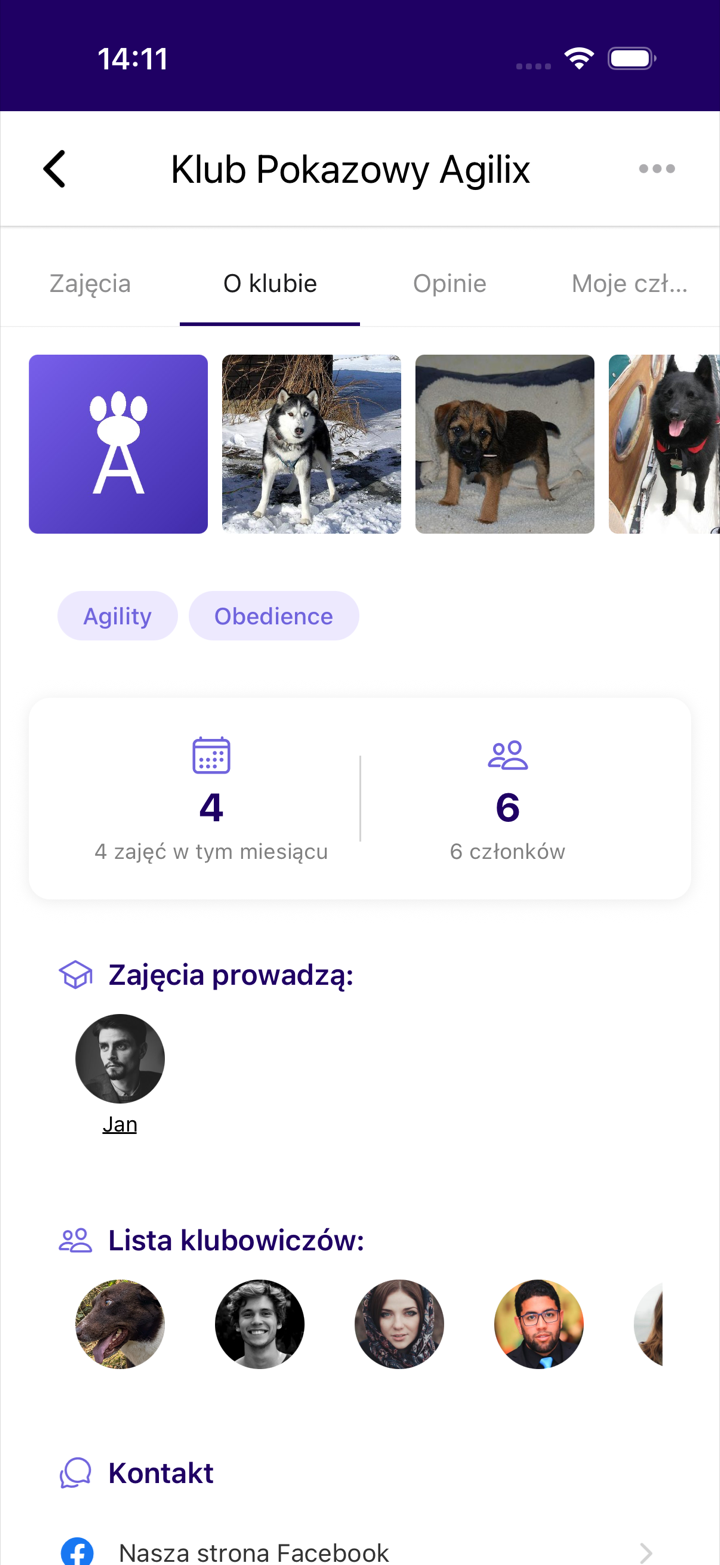
This is how participants see your club
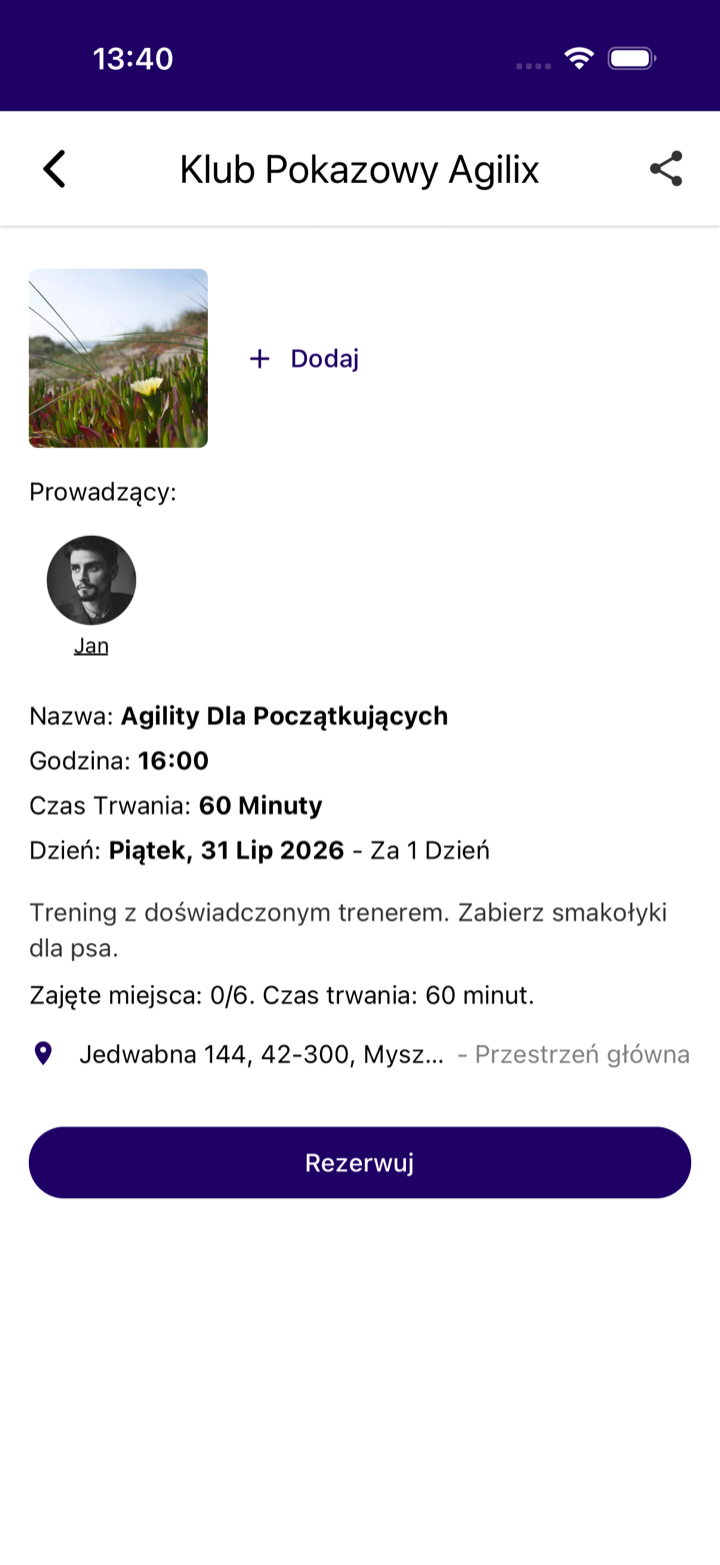
Your club appears in the app directory right away. Members see all club classes, other users see the public ones. They sign up with one tap.
Frequently asked questions about creating a club
How much does creating a club cost?
Can a club be created on the website?
Why is my club missing from the search?
Do I need a dog in my profile?
Can I run more than one club?
More questions about creating or running a club?
Ask our AI assistant LAIKA or contact us directly.
Discover more Agilix features
See everything Agilix offers trainers and clubs.