Classes from a template
Write
Create classes from my Tuesday template for every Tuesday in October.
The assistant checks that every date is free. Then it shows the list of classes to confirm.
Part 3
Ready-made requests for club admins and for every Agilix user. Copy one, change the details and send it.
Create classes from my Tuesday template for every Tuesday in October.
Your club has two halls. Where should the classes take place: Hall A or Hall B?
Hall A.
Agilix · create_classes
Done. I created 4 classes in Hall A, on Tuesdays at 6 pm. Every date was free.
Write
Create classes from my Tuesday template for every Tuesday in October.
The assistant checks that every date is free. Then it shows the list of classes to confirm.
Write
Add a beginners class in Hall A next Thursday at 6 pm.
If something is missing, such as the trainer, the assistant asks. It suggests the real options from your club.
Write
Move all of next week's classes one hour later.
The assistant changes many classes at once. First it shows exactly what will change.
Write
Invite the Tuesday group to Thursday's beginners class.
Group members get an invitation, just as when you send it from the app. An invitation does not take a place in the class.
Write
What's on this week across all my clubs? Where are there still free places?
Good for a Monday review. The assistant only reads data and changes nothing.
Write
Who is waiting to join the club? Add Anna Kowalska to the Tuesday group.
The assistant shows pending join requests. You accept them in the Agilix app.
Write
Set Hall A's Saturday opening hours to 9:00-14:00.
Only the days and spaces you name change. All other hours stay as they were.
Write
How do I enter my dog in an agility competition in Agilix?
The assistant answers from the Agilix help. It points you to where in the app to do it.
Write
I'd like to export a class's participant list to a file. Is that possible?
If something doesn't exist yet, the assistant says so. With your consent it sends the idea to the Agilix team.
The assistant never picks the club, venue or time for you. When something is missing, it asks.
Before every change it shows a summary. The change happens only after you confirm.
You see connected assistants in your Agilix profile, under "Connected assistants". Click "Disconnect" and the assistant loses access at once.
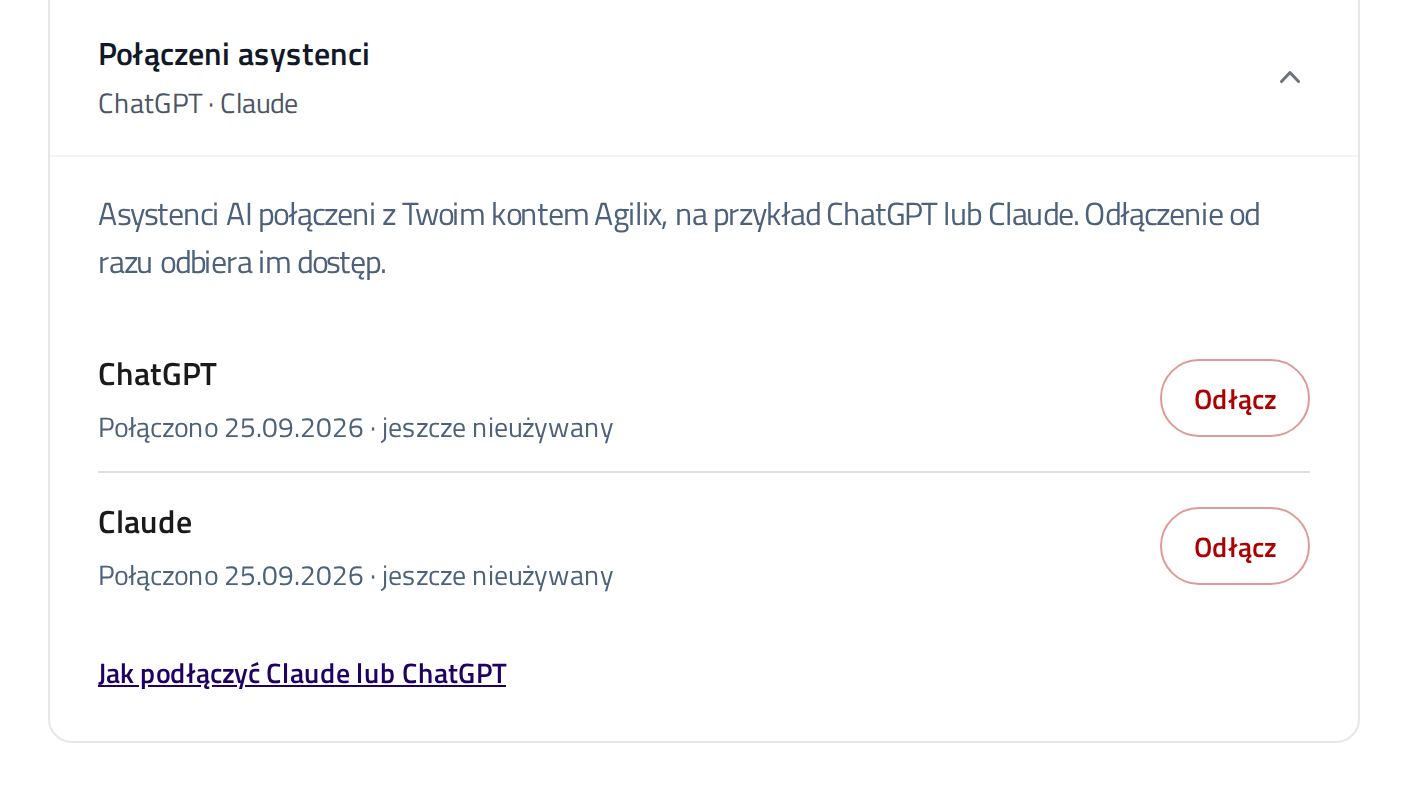
The assistant sees only what you see in Agilix. What happens to the chat depends on Claude's or ChatGPT's rules.
The Agilix privacy policy has the details.
Help
Tell us which step stopped you. We will help you finish connecting.